

 Loading...


Getting Started
1a) Select your CLICK/CLICK PLUS CPU module.
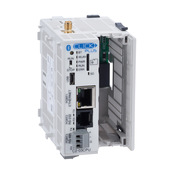
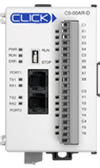
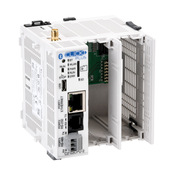
1b) for CLICK PLUS CPUs select your CPU option slot module(s)
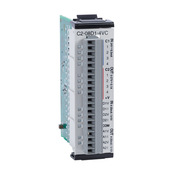
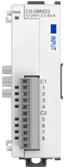
2) If you need additional I/O, select additional stackable I/O modules.
Check out our handy Configuration Tool.
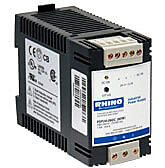
3) Select a 24VDC power supply.
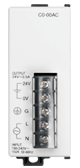 or
or
4) Download for FREE the CLICK programming software.
5a) Select your PC to PLC programming cable.
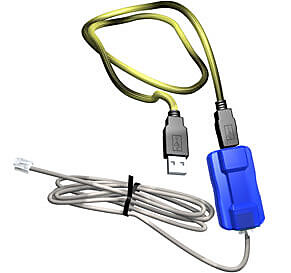
If your PC has a USB port, use cable EA-MG-PGM-CBL to connect to the CPU module port
or
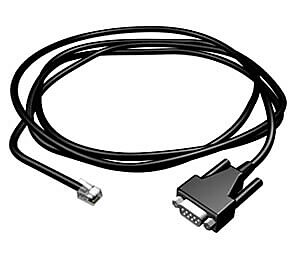
If your PC has a 9-pin serial communications port, use programming cable D2-DSCBL.
or
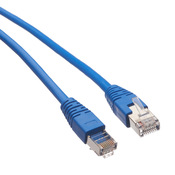
If you choose a CLICK Ethernet PLC, use a standard Ethernet patch cable. Representative cable shown: Blue, 7' length. Many other colors and lengths are available.
or
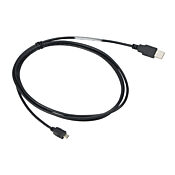
For CLICK PLUS CPUs you have the option to connect via USB directly without a USB-to-serial converter. Simply connect a standard USB A to micro-USB cable from your PC's USB port to the CLICK PLUS CPU.
5b) For select CLICK PLUS CPUs you have the option to go wireless.
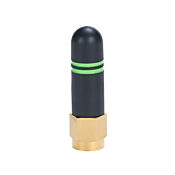
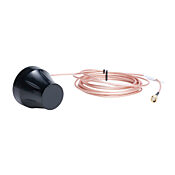
Purchase an antenna separately and configure the wireless parameters using the free mobile app.
6) Select tools, wire, and provide power.
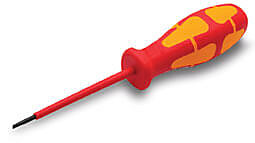
Screwdriver
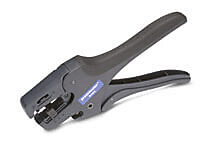
Wire Strippers
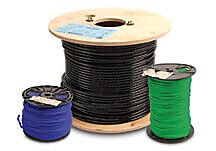
Hookup Wire


 Safe &
Secure
Safe &
Secure

We accept VISA, MasterCard, Discover, American Express, PayPal or company purchase orders.


 Updating...